Techniques:
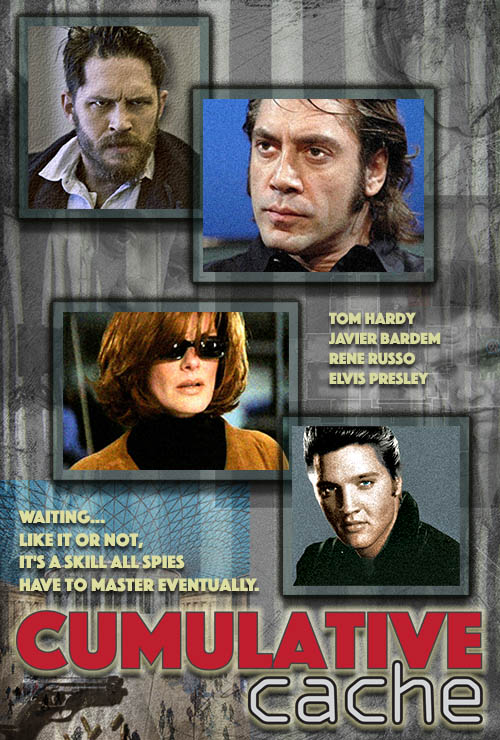
1. Import Title from Illustrator
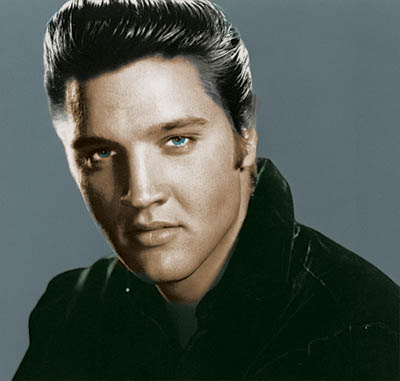
2. Elvis Color Photo created from Black and White
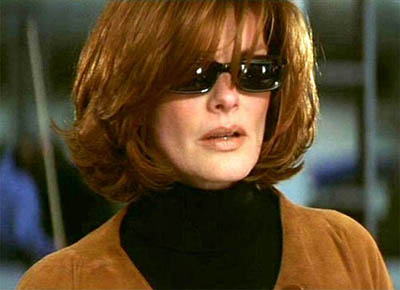
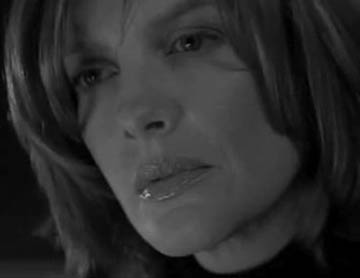
3. Grain Effects applied to Rene Color
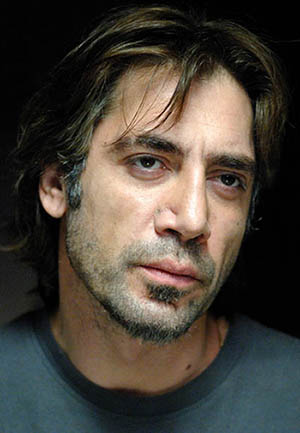
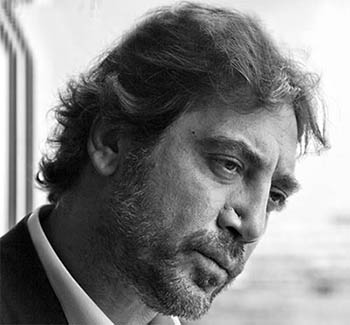
4. Noise Effects applied to Javier Color and Elvis Color
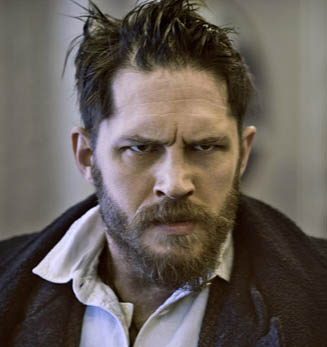
5. Filter Gallery, Texturizer applied to Tom Hardy
6. Unsharp Mask applied to Elvis Color
7. Layer Style Effects: Stroke, Outer Glow, and Drop Shadow applied to all Actor Color photos
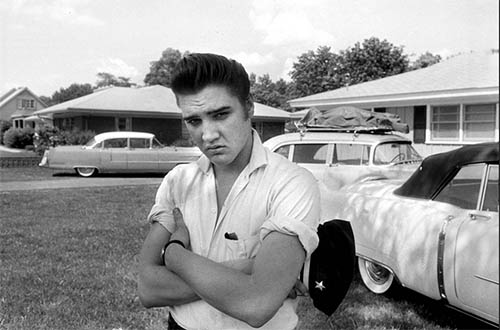
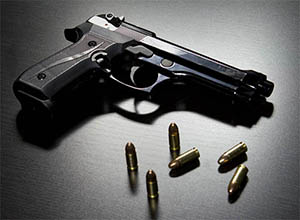
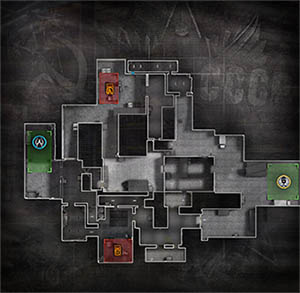
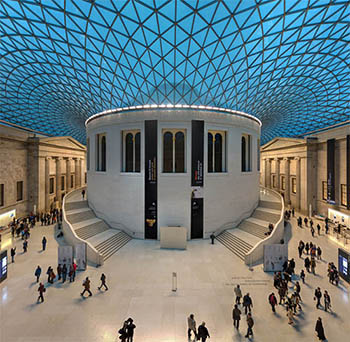
8. Adjusted Opacity on Javier B/W, Gun, Elvis B/W, Rene B/W, Maze, Skyscraper Museum and Scratches on White
9. Blending Modes Used: Multiply- Javier B/W;Soft Light- British Museum; Overlay- Gun; Hard Light- Rene B/W;
10. Hue-Saturation Layer Adjustment On Javier Color, Rene Color, and Elvis Color
11. Levels Adjustment Layer On Javier Color, Rene Color, and Elvis Color
12. Layer Style Effects: Drop Shadow and Outer Glow to Title, Actors and Teaser Text
13. Layer Mask: applied on B/W Javier, Elvis, and Rene to mask out backgrounds
14. Layer Mask: to enhance eyes on Javier Color, Elvis Color and Tom Color